7 Powerful Tips for the Best Router Setup for Working Abroad as an Expat (2025 Guide)
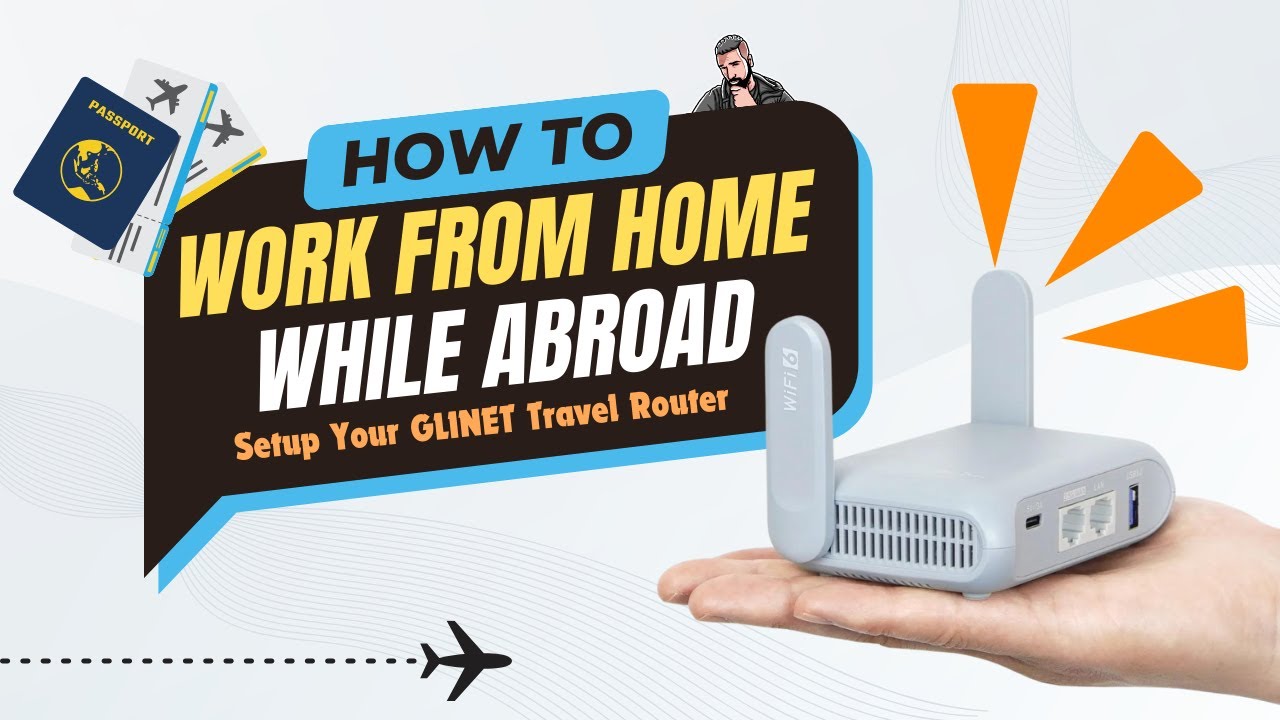
Learn the best router setup for working abroad as an expat with this 2025 guide. Explore Asus, TP-Link, and GL.iNet router options, VPN setup tips, and essential features for secure and stable internet abroad.
📘 Introduction
Living and working abroad is an exciting adventure, but staying connected is often one of the biggest challenges expats face. Internet quality changes dramatically from country to country, public Wi-Fi isn’t always safe, and local routers may be low-quality or locked by ISPs.
That’s why having the best router setup for working abroad as an expat is key to staying productive, secure, and connected. In this guide, we’ll walk through essential features, setup steps, security tips, and recommended routers—focusing naturally on reliable models from Asus, TP-Link, and GL.iNet that work exceptionally well for expats and remote workers.
Understanding Internet Challenges Expats Face
Reliable connectivity is often unpredictable abroad. Expats may encounter slower speeds, limited router availability, or ISPs that provide outdated hardware. That’s why bringing your own trusted router—such as an Asus RT-AX86U or GL.iNet GL-MT6000—provides a major advantage.
Common Connectivity Issues Abroad
Slow speeds in shared housing
- ISP-locked modems with weak Wi-Fi
- Crowded apartment networks
- Frequent disconnections during calls
- Voltage differences and incompatible plug types
Why a Reliable Router Setup Matters
A dependable router helps with:
- Remote work and conference calls
- VPN connections
- Secure banking and personal data
- Streaming and gaming
- Smart home device connectivity
Router Types Suitable for Expats
Portable Travel Routers (GL.iNet)
If you move frequently or stay in hotels, GL.iNet travel routers are ideal. These pocket-
sized devices are known for:
- Easy WireGuard setup
- Strong OpenVPN performance
- Ability to create private Wi-Fi from hotel Ethernet
- Dual-band Wi-Fi
Popular GL.iNet options include the GL-MT1300 (Beryl), GL-A1300 (Slate Plus) and GL.iNet GL-MT6000
4G/5G SIM-Based Routers
In countries with unstable broadband, a SIM-based router may outperform wired connections. These are perfect for:
- Remote regions
- Mobile expats
- Temporary housing
VPN-Ready Routers (Asus & TP-Link)
If you work remotely, security is everything. That’s where routers like the following excel:
Asus Models with Built-In VPN Servers
All of these support OpenVPN and WireGuard:
- RT-AX86U (top performance for apartments)
- RT-AX88U (great for large homes)
- RT-AX1800S (budget-friendly Wi-Fi 6)
- GT-AXE11000 (high-end remote work powerhouse)
TP-Link Archer AX Series
This series is widely available abroad and offers excellent value. Models like the Archer AX55, AX72, and AX90 deliver:
- Strong Wi-Fi 6 speeds
- Good range
- User-friendly setup
Key Features to Look For
Wi-Fi Bands & Speed
Dual-band routers work well for most expats, but tri-band routers help reduce congestion in big cities.
VPN Compatibility (OpenVPN / WireGuard)
VPN readiness is essential for:
- Accessing home services
- Protecting work data
- Bypassing region restrictions
Asus routers shine here because they support built-in OpenVPN and WireGuard servers, and GL.iNet routers offer some of the easiest WireGuard setups in the industry.
MU-MIMO & Beamforming
These boost performance in crowded apartments—common in Europe and Asia.
Step-by-Step: Best Router Setup for
Working Abroad as an Expat
Step 1: Research Local ISPs
Check speed, installation times, and whether they allow third-party routers.
Tip: Search local expat groups on Reddit or Expat.com.
Step 2: Use the Correct Power Adapter
Many Asus and TP-Link routers support dual voltage (100–240V), but confirm before plugging in.
Step 3: Configure Your Router
- Update firmware
- Set Wi-Fi region correctly
- Enable Smart Connect
- Set Up VPN (OpenVPN or WireGuard)
For GL.iNet, the built-in WireGuard setup wizard makes VPN configuration extremely simple.
Step 4: Secure Your Wi-Fi
Use WPA3 encryption where available and choose a strong password.
Step 5: Optimize Device Connections
Run a speed test and use 5GHz for work devices whenever possible.
Security Tips for Remote Workers Abroad
Router-Level VPN
Using OpenVPN or WireGuard at the router level secures every device—ideal for work laptops and smart phones.
Avoid Public Wi-Fi
If you must use hotel Wi-Fi, connect through your GL.iNet travel router to create a private network.
Helpful Accessories to Pack
- Universal travel adapter
- Mini power strip
- CAT6 Ethernet cable
- Local SIM card (if using 4G/5G router)
- Spare USB-C power cable
❓FAQs
1. Should I bring my own router when moving abroad?
Yes. It ensures better speed, privacy, and flexibility.
2. Are Asus routers good for expats?
Absolutely. Models like the RT-AX86U and GT-AX6000 offer powerful Wi-Fi 6 and built-in OpenVPN/WireGuard.
3. Are GL.iNet routers worth it for travel?
Yes—they’re compact and have very easy VPN setup.
4. Can I use TP-Link routers abroad?
Yes. The Archer AX series is widely supported and budget-friendly.
5. What’s the best router for remote workers abroad?
For power users, the Asus GT-AX6000. For travelers, a GL.iNet router.
6. What’s the safest setup abroad?
A secure Wi-Fi 6 router + WireGuard or OpenVPN VPN.
🔗 External Resource
Learn more about Wi-Fi standards here: